
Turn every scene into artwork
Your words already set the scene — now watch it appear. Turn any moment into an illustration that looks like your characters, keeps their faces consistent, and matches the exact mood you wrote. One click, and the page becomes a picture.
- One click from words to art
- Consistent characters
- Export to PDF & EPUB
A picture for every scene you write
The best scenes live in the details — a look, a room, the light in a moment. Story Illustrations reads what you've written and paints it, so the same characters you fell for on the page look back at you from the image. No prompt-wrangling, no starting from a blank canvas.
Everything you need to illustrate a story
From a single scene to a fully illustrated book — here's what your illustrations can do.
-
01
One click from words to art
Pick a scene and generate an illustration in seconds — the AI reads your text and composes the image for you, no prompt-writing required.
-
02
Consistent characters
Give a character a reference image and they keep the same face, build, and style across every scene — so your cast is recognizable from the first page to the last.
-
03
Chapter covers and inline scenes
Set a cover image for each chapter, then drop illustrations right into the text where the action happens — so readers see the moment as they read it.
-
04
Photorealistic or stylized
Choose the look that fits your world — photorealistic, hand-drawn, anime, painterly, and more — and set the style across a whole story.
-
05
Edit with a single prompt
Change an outfit, swap the lighting, redo the background — describe the change and the AI reworks the image, no regenerating from scratch.
-
06
Export an illustrated book
Download your finished story as a PDF or EPUB with every illustration inline — ready to read anywhere, keep offline, or share.
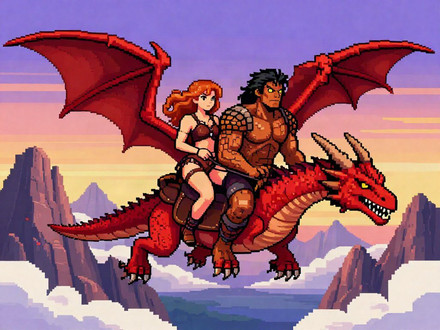
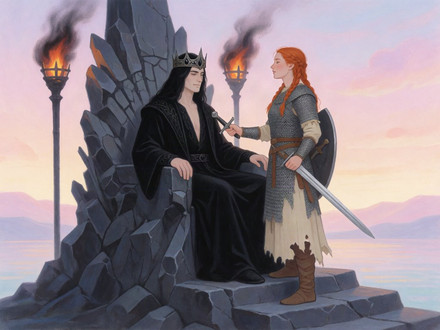
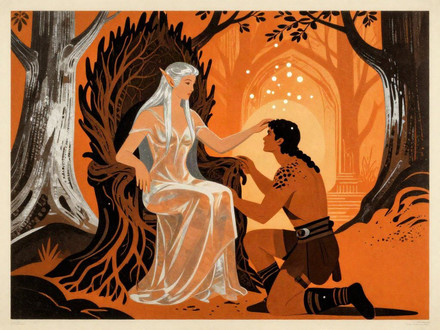
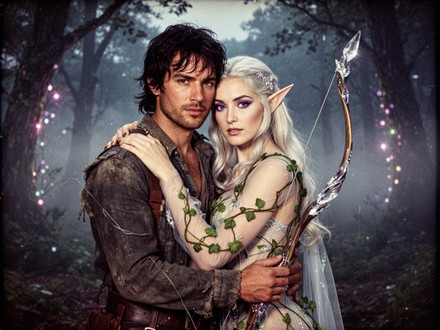
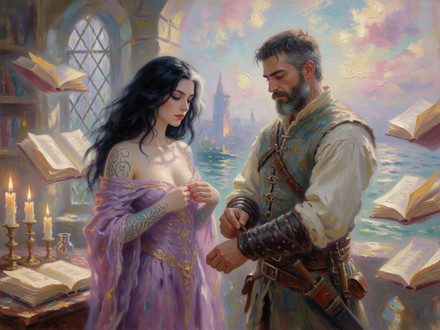
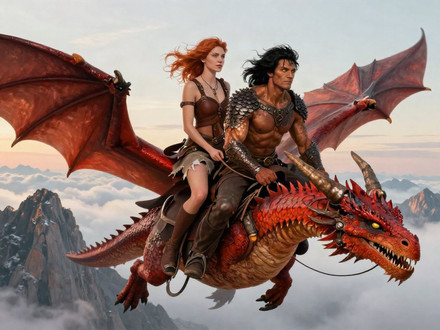
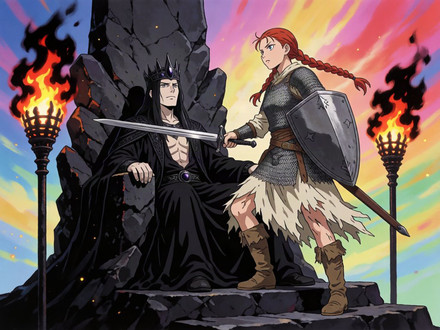
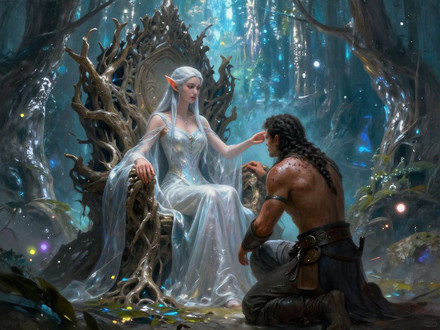
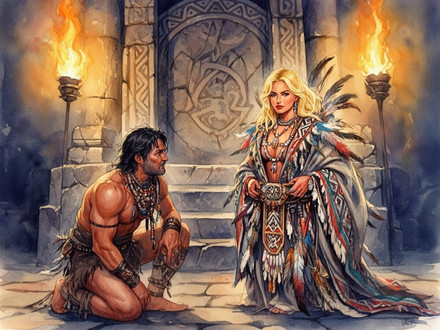
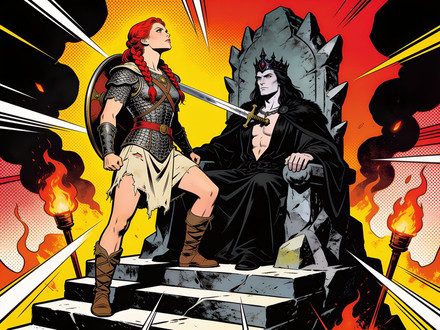
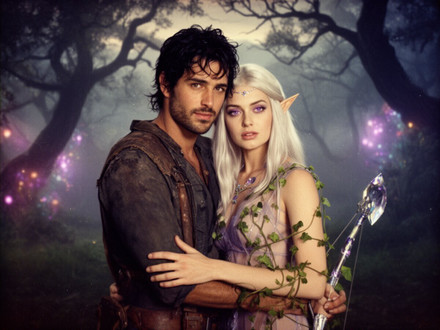
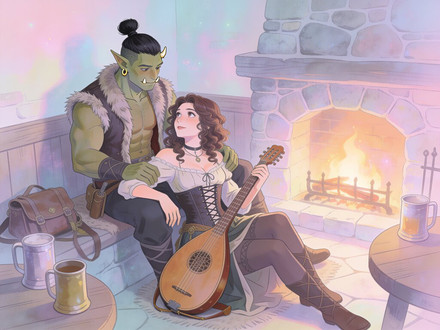
One scene, every style
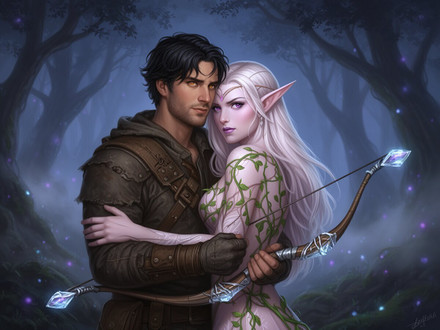
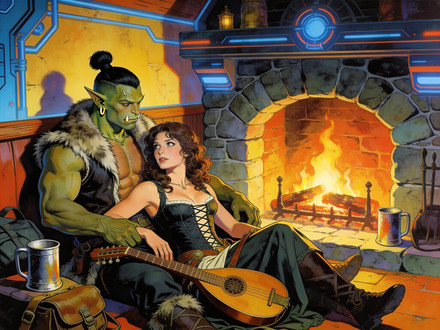
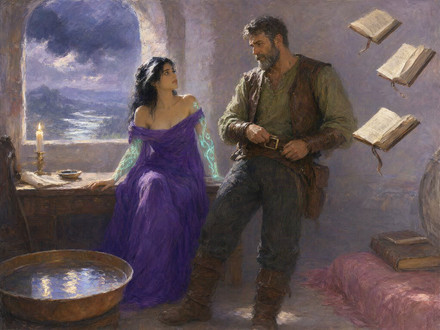
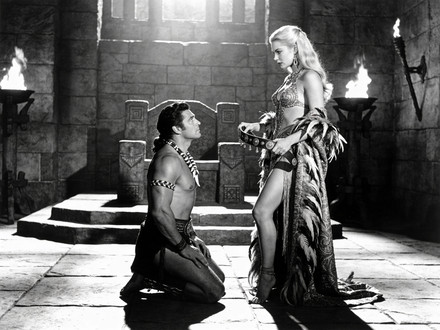
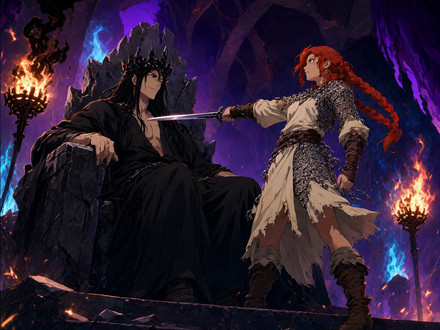
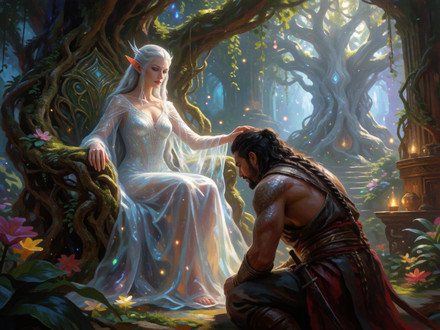
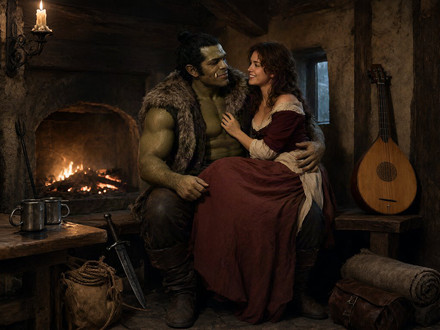
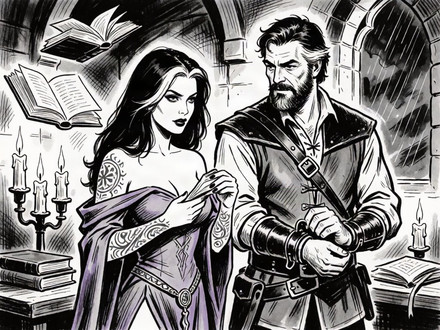
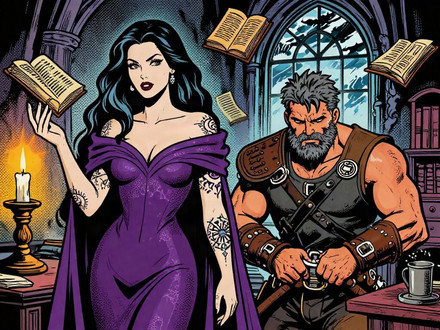
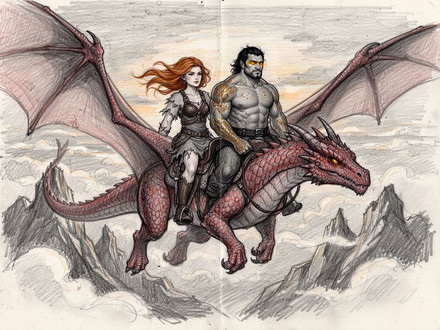
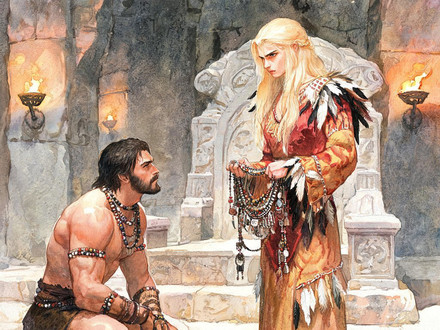
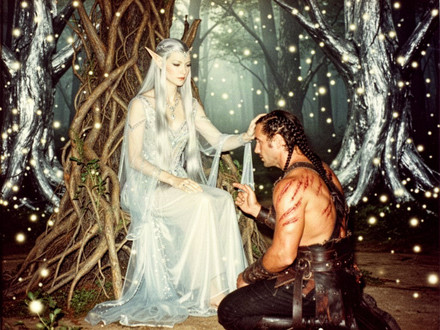
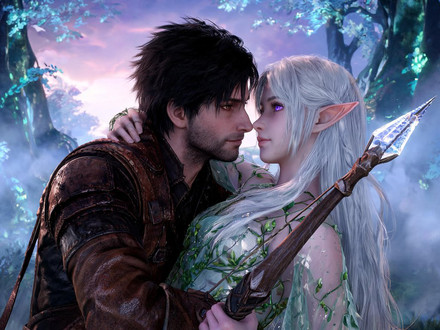
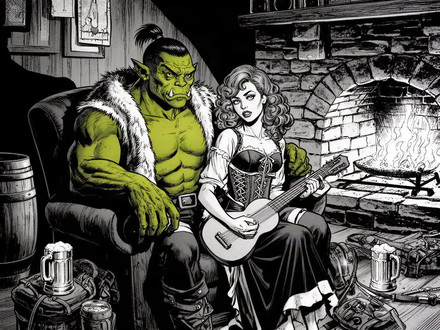
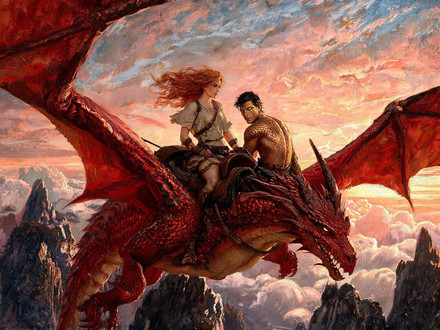
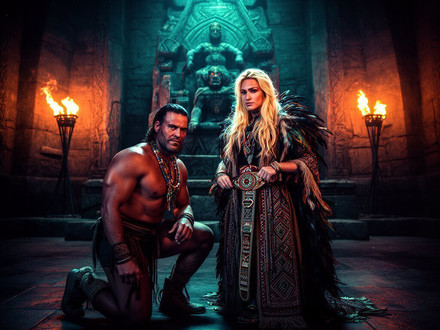
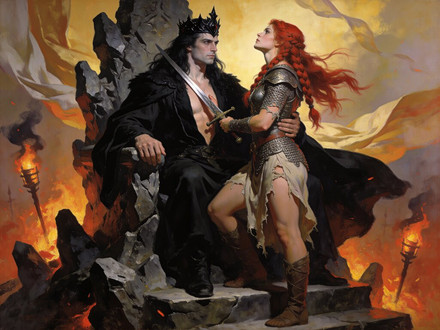
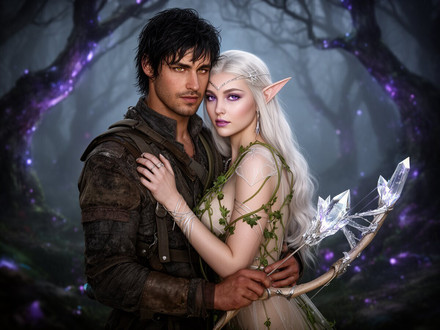
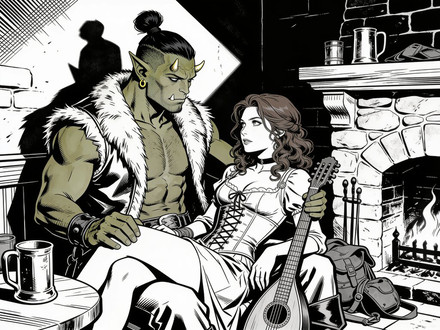
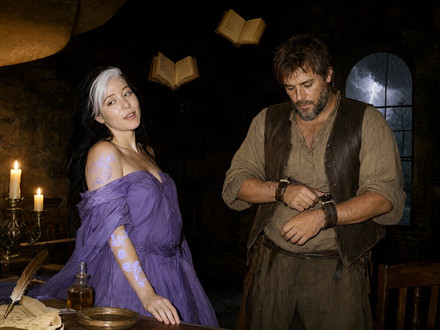
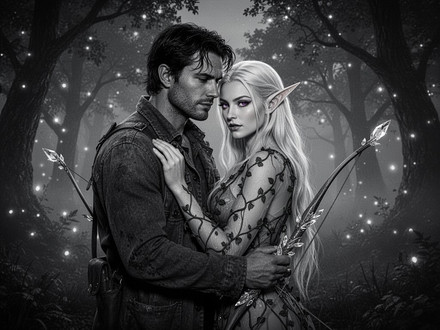
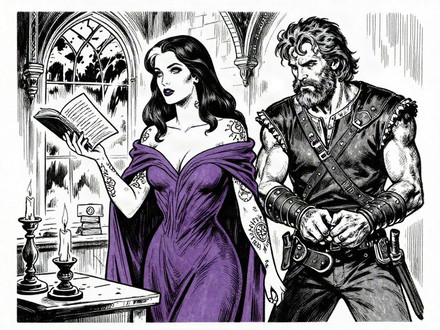
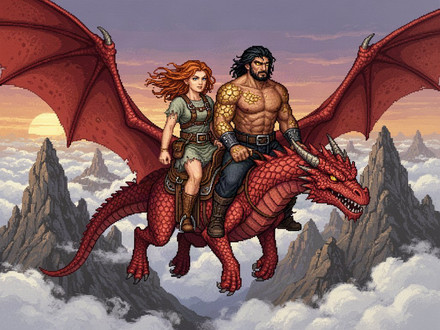
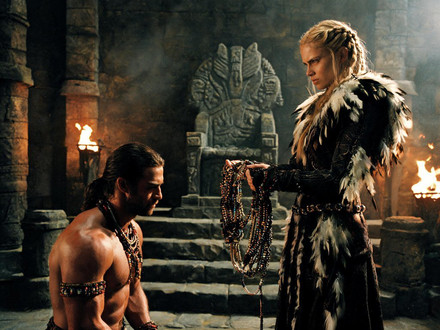
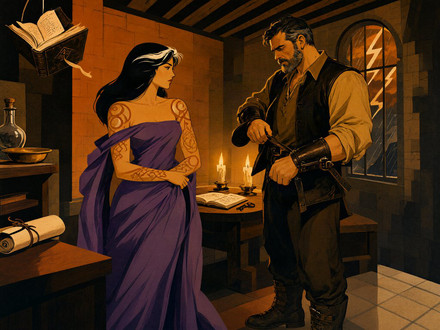
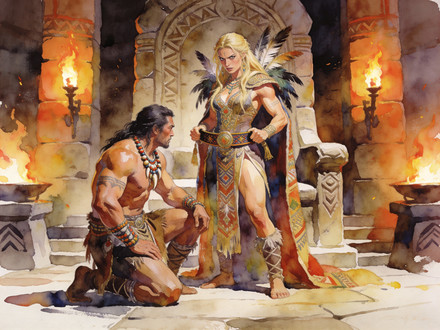
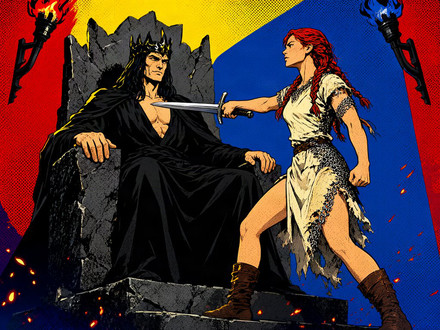
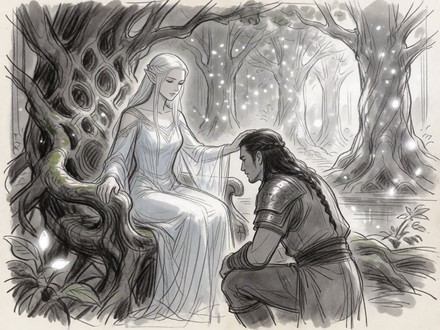
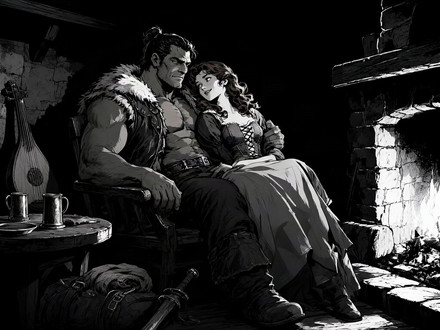
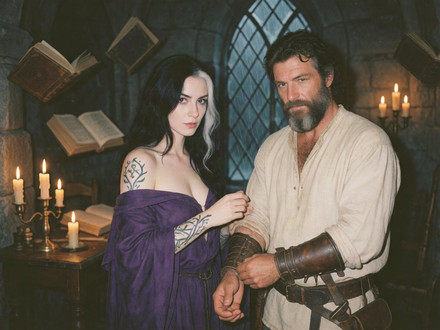
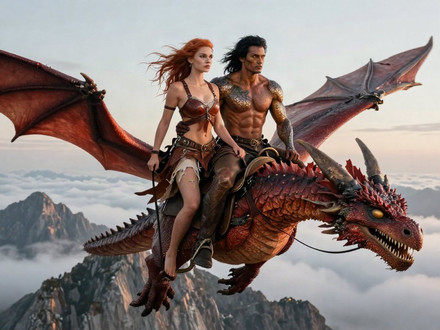
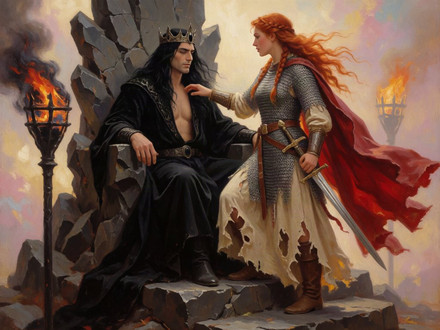
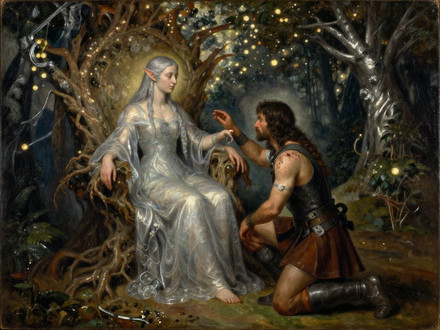
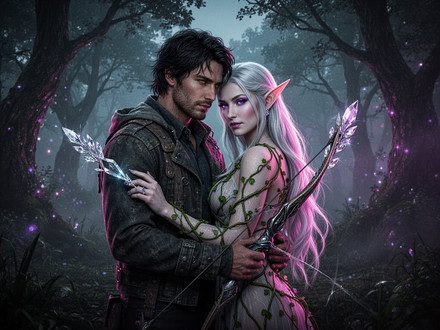
The same scene can shine in photorealism, soften into watercolor, or turn moody as film noir. Watch these moments change their look — then set the style that matches the story in your head.
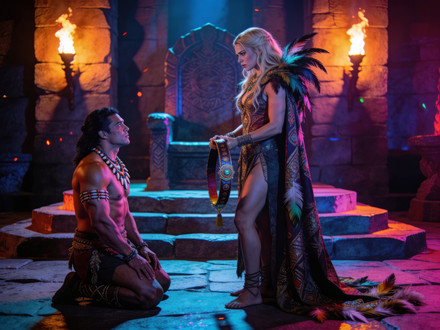
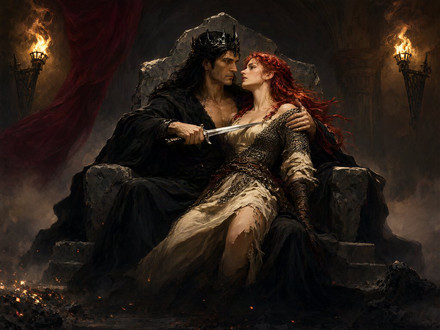
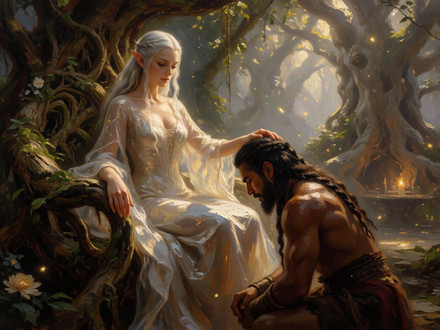
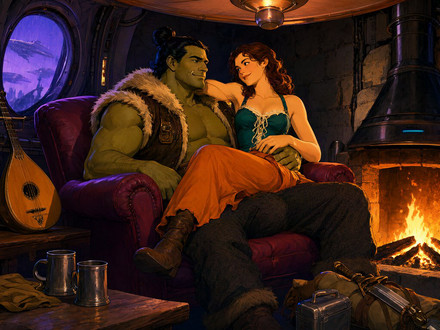
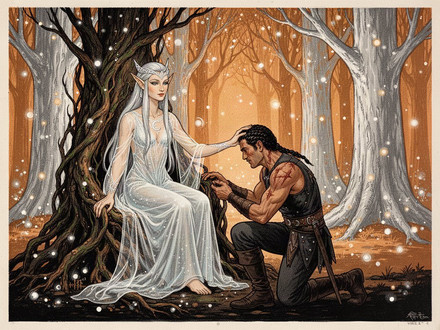
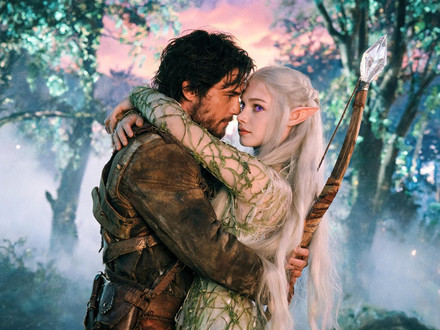
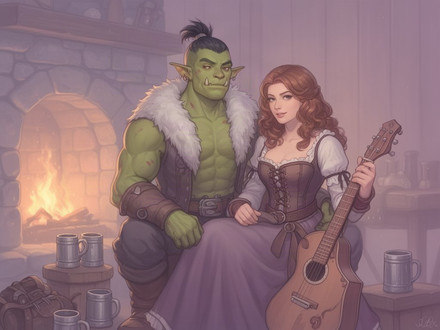
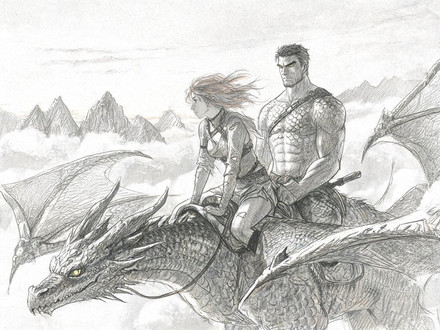
Get the detail exactly right
Almost perfect is not perfect. Change an outfit, warm the light to golden hour, clear the background — just describe it and the image is reworked. Or paint over the one part you want changed and everything else stays exactly as it was.
- Reshape any image with a single prompt
- Paint over just the part you want changed
- Swap outfits, lighting, and backgrounds
From a line of text to a finished page
No design skills, no prompt engineering. Three steps and your story is illustrated.
-
I
Pick a scene
Choose any chapter or moment in your story. The AI reads the text and knows who's in it and where it happens.
-
II
Generate the illustration
Click once and get an image that matches your characters and style. Not quite right? Refine it with a prompt or a quick paint-over.
-
III
Place it and export
Set it as a chapter cover or drop it inline with the text, then export the whole story as an illustrated PDF or EPUB.
Your story, cover to cover
An illustrated story pulls readers deeper — they don't just imagine your characters, they see them. Keep every face consistent, illustrate the moments that matter, and hand someone a finished, illustrated book instead of a wall of text.
- Characters stay consistent across every scene
- Illustrate at the chapter level or inline in the text
- Fine-tune any image instead of rolling the dice
- Export a fully illustrated PDF or EPUB
Free vs Premium
Why Go Premium?
Longer chapters, smarter AI, and way more to play with
Free
Get started with AI writing
- Generations 24h 2 Chapters
- Image Generations 24h N/A
- Image Generation Models Standard
- Consistent Character Appearance No
- Image Editing via Prompts No
- Image Quality Basic
- AI Model Quality Basic
- AI Character Builder 24h 1
- AI Location Builder 24h 1
- AI World Builder ✨ No
Premium
Full creative power
- Generations 24h 50 Chapters
- Image Generations 24h 100 Images
- Image Generation Models Best Available
- Consistent Character Appearance Yes
- Image Editing via Prompts Yes
- Image Quality Premium
- AI Model Quality Advanced
- AI Character Builder 24h 20
- AI Location Builder 24h 20
- AI World Builder ✨ 24h 10
Illustrate your first scene today
Pick a scene, click once, and watch it take shape — then build it into a book worth keeping.